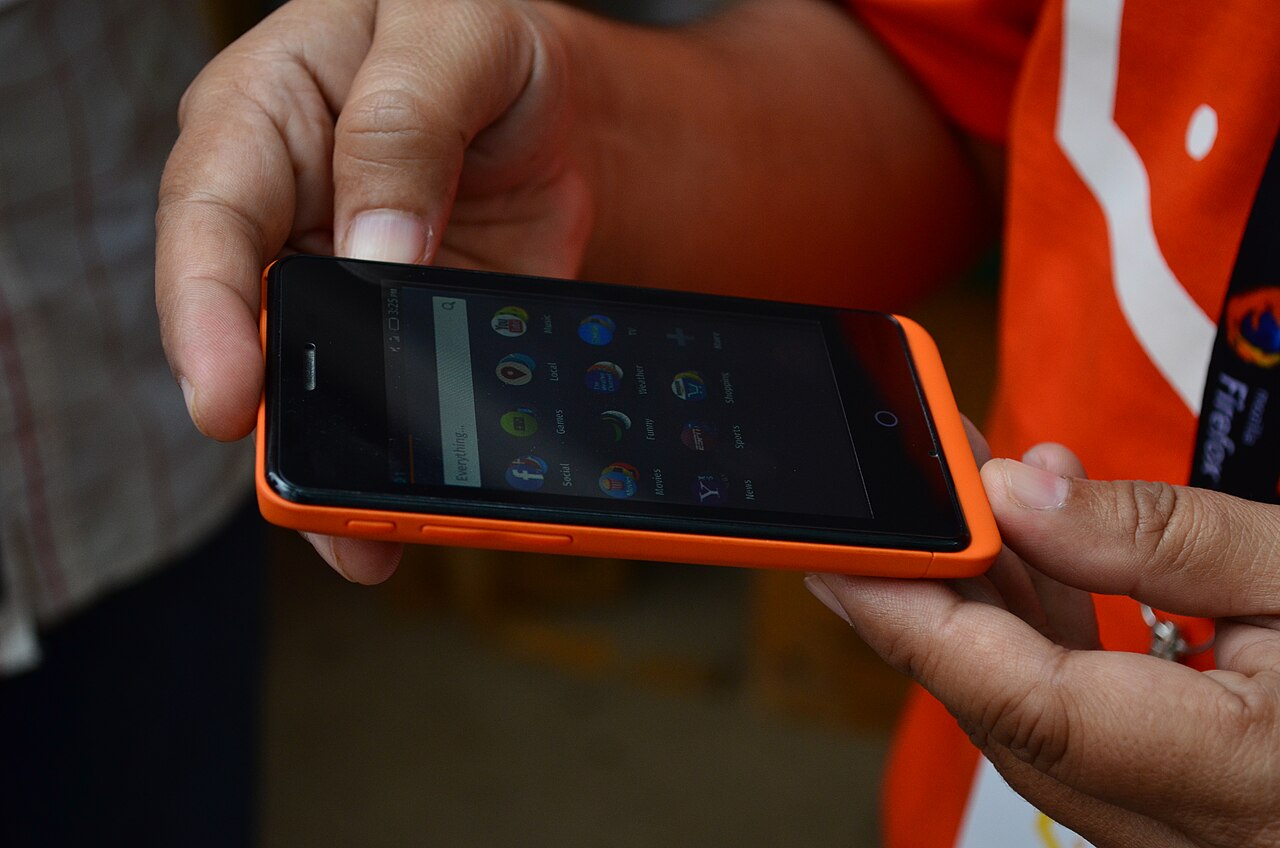

Phones that support multiple eSIM profiles let you hold plans for several countries and switch between them in a few taps.
Knowing how to switch keeps you connected the moment you cross a border.
- Install the eSIMs you will need for your whole trip before you leave home.
- In settings, tap the eSIM you want to use and set it as the active data line.
- Turn off data roaming on inactive lines so they never accidentally connect.
- When you leave a country, deactivate that profile and activate the next one in seconds.
- Staging profiles in advance turns border crossings into a non-event.
- Label each profile by country so you never activate the wrong one.
- Keep the profiles you will reuse and delete the rest, so your list stays easy to navigate.
With profiles staged in advance, changing countries becomes a ten-second settings tap instead of a store visit.
With profiles staged in advance, a multi-country trip becomes seamless.